StuffSenseiMaster your stuff! Get the app

Landlords · renters · property managers

Move-in, move-out, no arguments.

Imagine a tenant moving in: the fridge, the range, the washer, the TV mount, the bed frame, the blinds, the utensils in the furnished unit. Every one photographed, with its serial and its condition, on day one. Then the same walkthrough at move-out. The deposit conversation gets very short.

Free on Google Play now, no sign-up. iPhone is coming to the App Store soon.

A rental duplex with landlord details
An appliance with brand, serial and condition
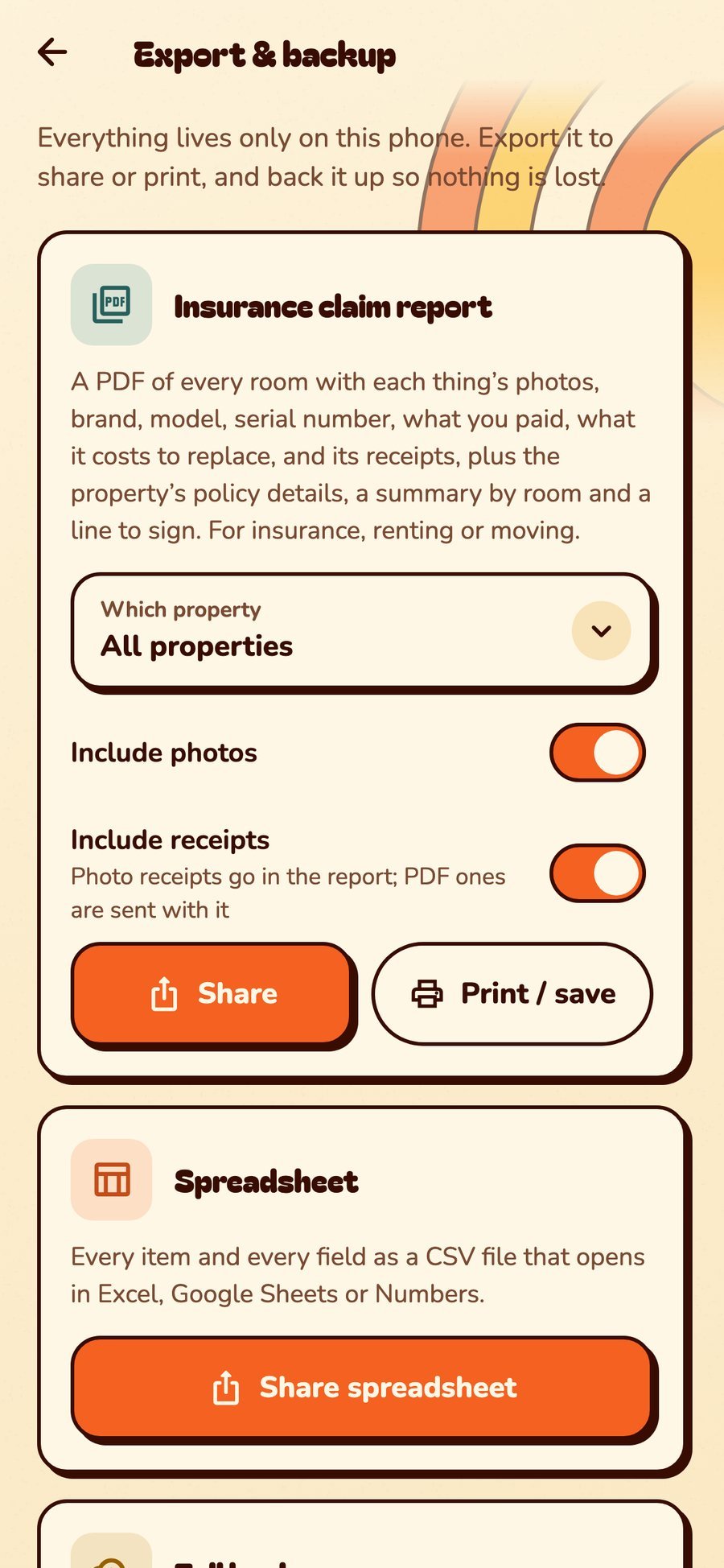
The claim report for a property

The walkthrough

How a move-in record works.

One walk through the unit with your phone. Nobody has to argue later about whether that stain was always there. (That’s the point.)

  1. Make the unit a property. Choose “I rent it out” and add the tenant, rent, rent-due day, deposit and lease dates.
  2. Add its rooms as spaces. Kitchen, bath, bedrooms, the laundry closet, the patio.
  3. Walk through and add what’s there. Photos, brand, model, serial number and condition for every appliance, fixture and furnished piece. Scan barcodes to fill in the model.
  4. Export the report. A PDF of every room with photos, details and values, plus a line to sign. Share it with the tenant the same day.
  5. Do it again at move-out. Update the condition and add new photos, export again, and lay the two reports side by side.

Landlords

  • Tenants, rent, deposit and lease dates on each property
  • Reminders when rent is due, a lease is ending, an inspection is coming or the rental license renews
  • Every appliance’s serial, receipt and warranty for when the dishwasher quits on a Saturday
  • Upkeep reminders: filters, smoke alarms, gutters
  • A maintenance log for each property: what was fixed, who fixed it and what it cost

Property managers

  • Many properties, one app; switch from Home
  • Share a unit with its owner as Can view
  • Digital showings: send a unit as a link with every room photo and a note for the applicant, set to expire after the week
  • QR-label the appliances and the maintenance closet, so the next tech scans instead of guessing
  • Stuff To-Do for turnovers: assign cleaning, repairs and the key handoff to your crew
  • Full repair history per unit, with photos and invoices, to show the owner

Renters

  • Record the unit’s condition on day one, with dated photos
  • Your own things, listed with values, for renters insurance
  • A Moving day checklist with 28 tasks and a shopping list, from booking movers to changing your address
  • Scan your boxes onto the truck and into the new place

Built for business

Looks like your company, not a scrapbook.

Four themes made for movers, property managers and crews: flat and sharp, one signal color for what needs a look, condensed headings and box codes in monospace. Add your company in your profile and it sits at the top of Home, with PRO beside it.

StuffSensei in the Dispatch theme: paper white, graphite and hazard yellow
DispatchPaper white, graphite and hazard yellow
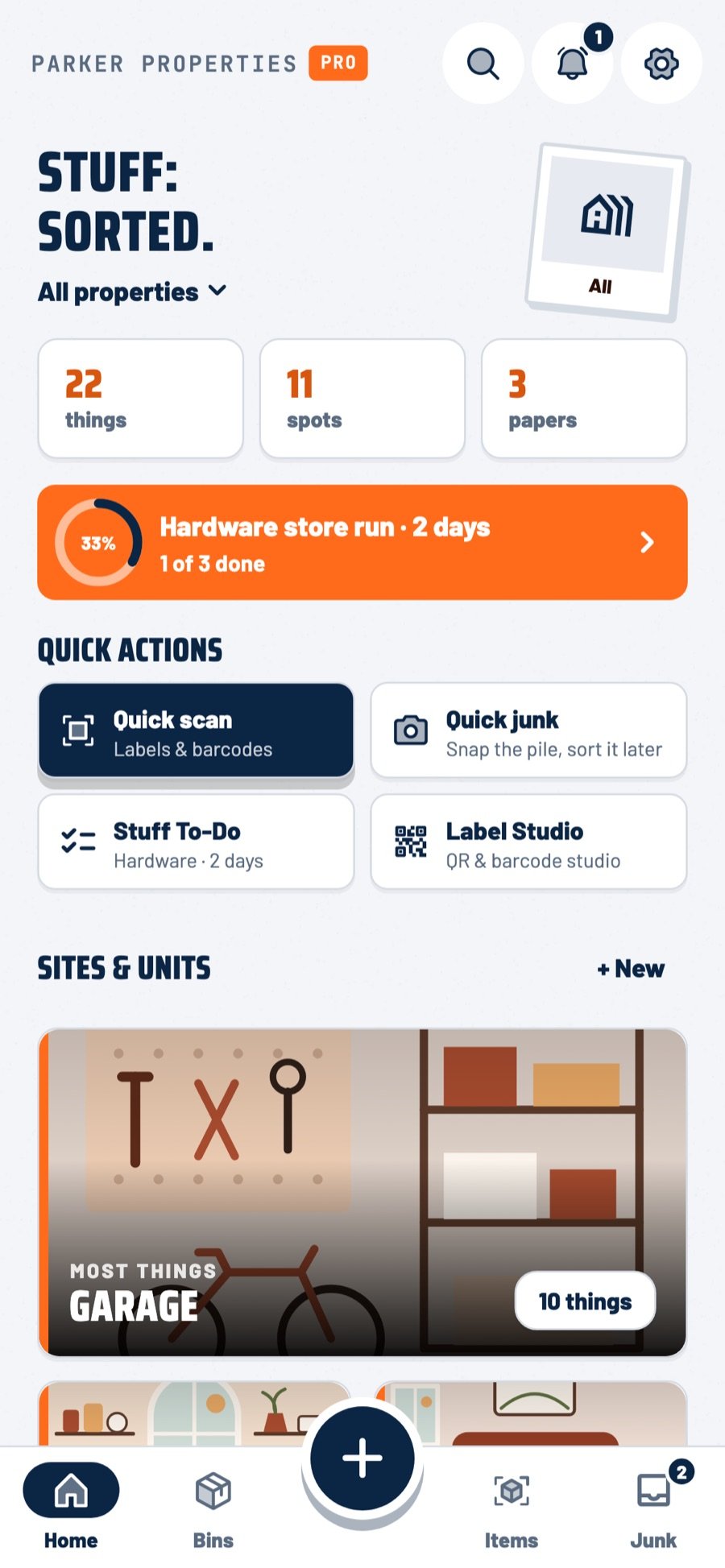
StuffSensei in the Fleet theme: navy with a safety-orange signal
FleetCorporate navy and safety orange
StuffSensei in the Night Shift theme: graphite black and hazard yellow
Night ShiftDispatch after dark
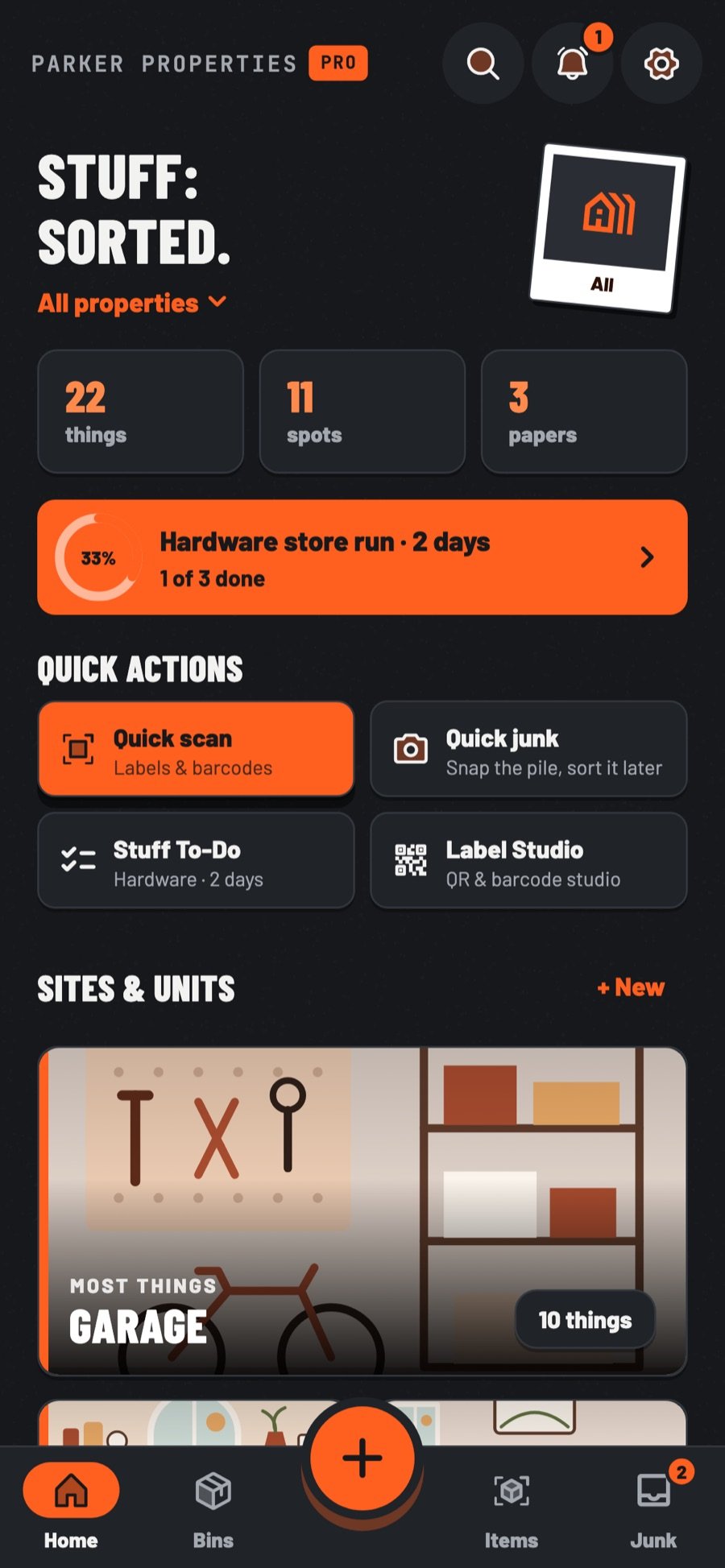
StuffSensei in the Hi-Vis theme: charcoal and safety-vest orange
Hi-VisCharcoal and high-visibility orange

Great for rental properties, and the people who manage them.

Turnover day, inspection day, “the tenant says the oven came like that” day. StuffSensei keeps the receipts. Literally.

Managing lots of units? Say hello